Doc
Homepage
If you installed the theme correctly as described here, you will see a homepage similar to the images below. Of course the posts may vary but let us disregard them for now.
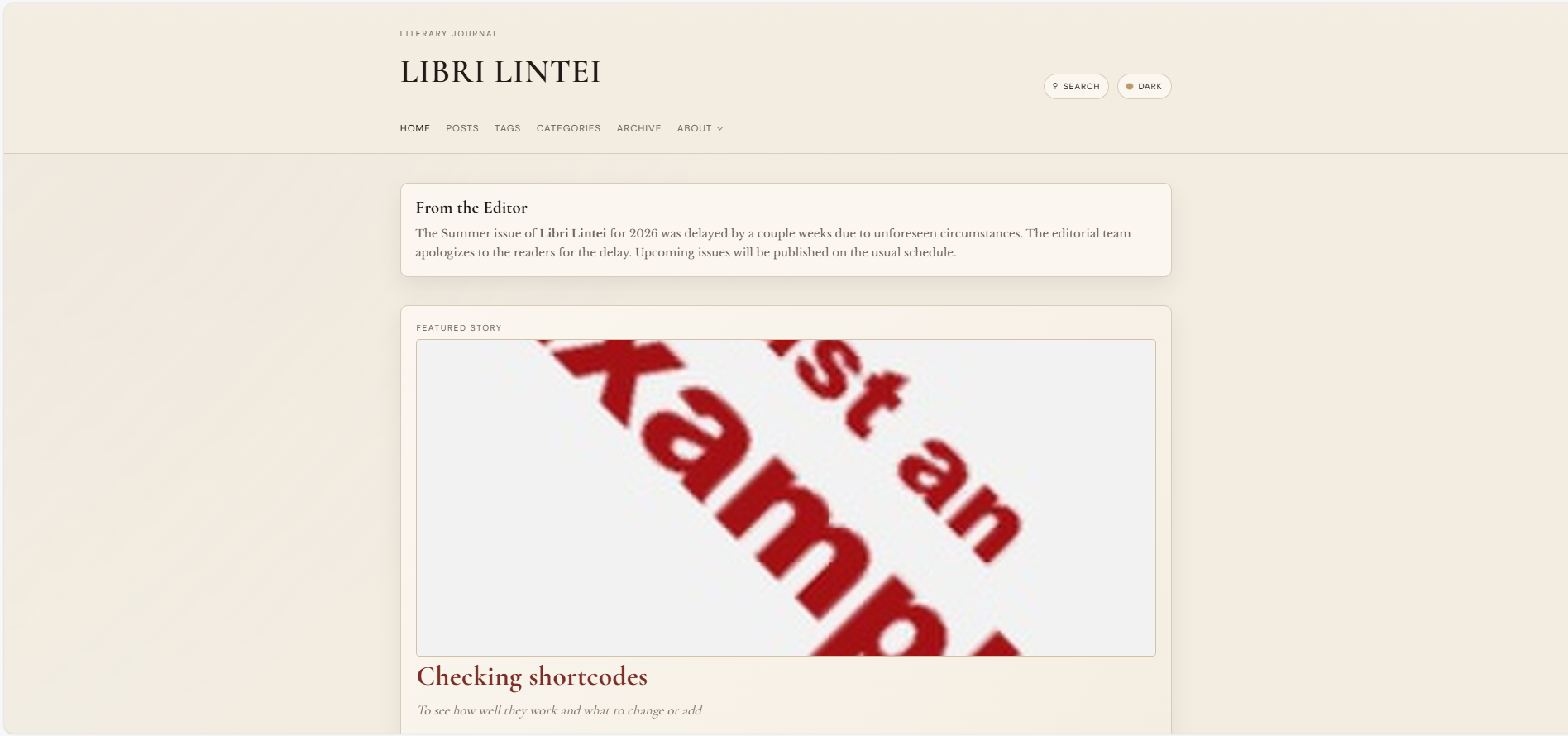
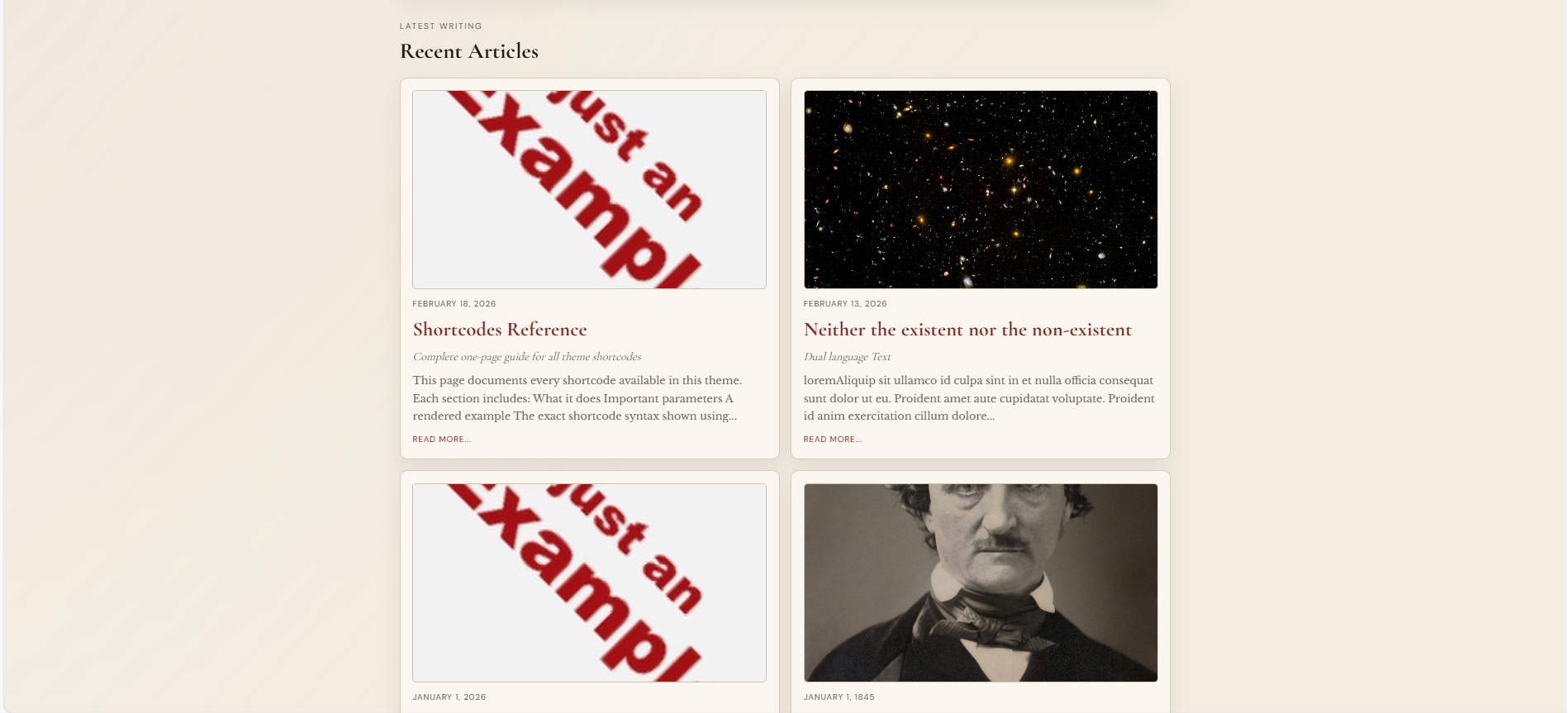
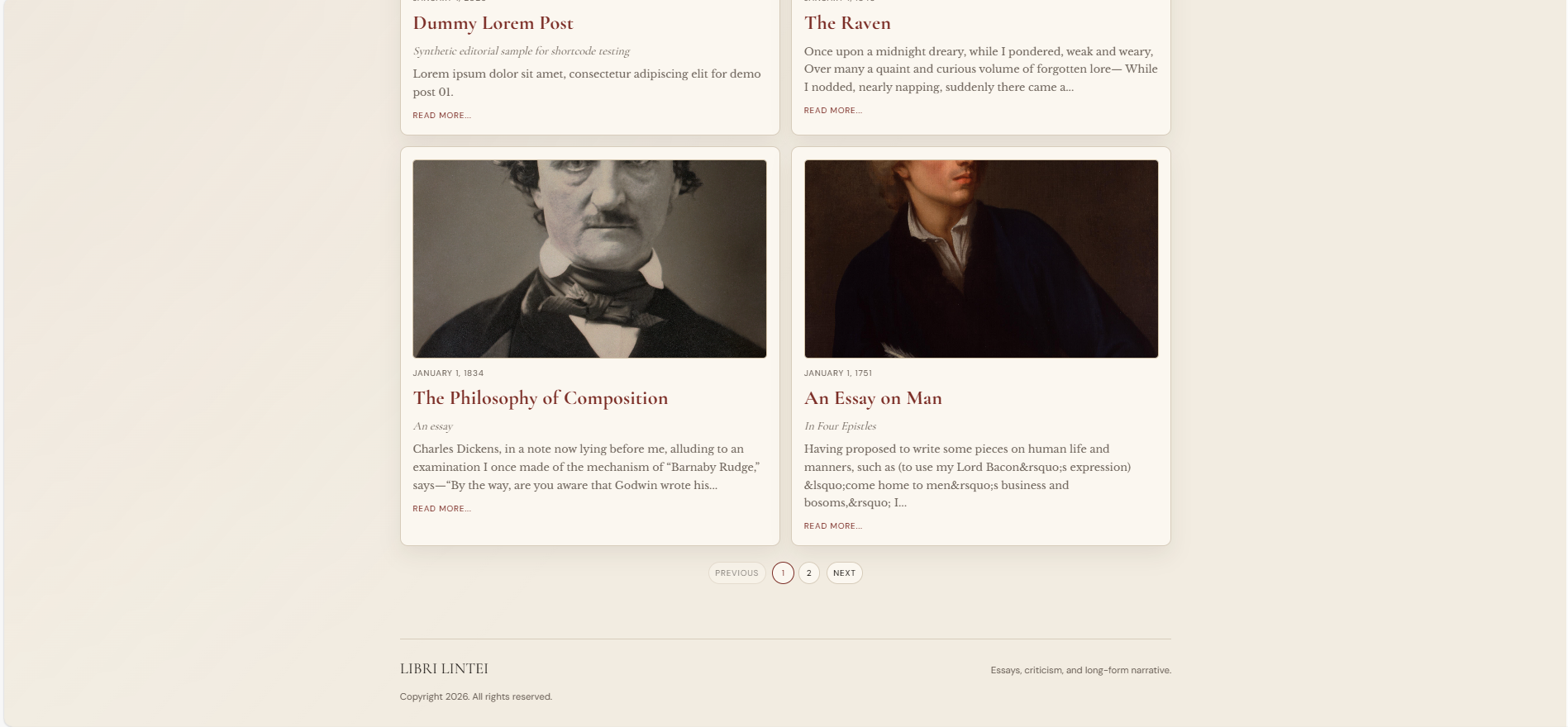
How the homepage probably looks
Much of how the homepage (and all other pages) can be customized with the help of params. These params are in hugo.toml at the root of your folder. In the hugo.toml file, you will see many params. Most of them have descripive names that tell you exactly what they do. Many of these params, especially those related to typography and colours, work together and changing only some of them without caution may lead to the whole site looking off. So, do not change the params unless you know exactly what the params do and are sure you want it.
We’ll focus on the navbar menu later. Let us handle the general look of the site first.
The header at the top of the website depends upon the title param. At the top of your hugo.toml you’ll find the following params. Enter the title that you wish.
| |
The baseURL is the homepage link of the website when hosted. We’ll look into it when here.
Now the title of the site is set. Just above the title, there is a subtitle that says “LITERARY JOURNAL” in default. You can change it by editing the brandKicker param in hugo.toml.
| |
Before the featured post, you see a section called “From the Editor”. If you want to change that title, change the following param in *hugo.toml"
| |
To change the text of the message that appears below that heading, go to the _index.md file of the contents folder. Anything that you write there will appear as the message. To totally remove the message section, just set the homeEditorHeading param to empty and the whole block will disappear.